
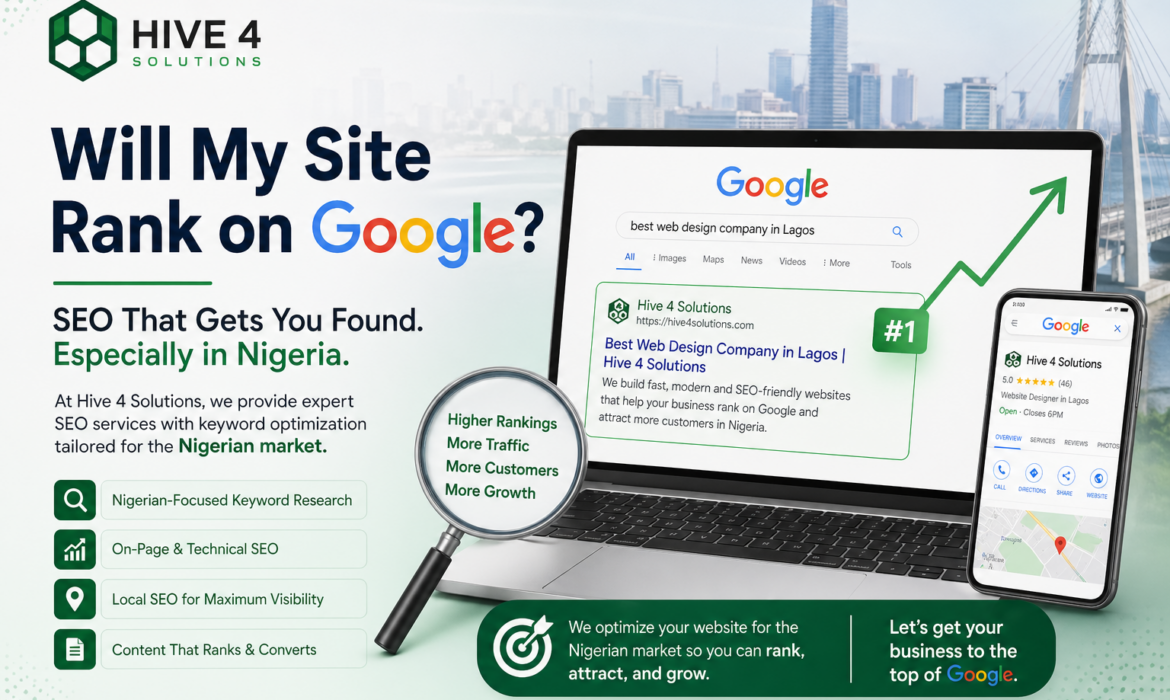
When someone in Uyo, Lagos or Abuja types “web designer near me” or “salon in Uyo” into Google, the first thing they see is usually a map with three businesses on it. Those three get most of the calls, WhatsApp messages and walk-ins. If your business isn’t there, you are invisible at the exact moment a customer is ready to buy.
The good news is that getting there doesn’t need a big budget. A properly set up Google Business Profile in Nigeria is free, and it is one of the fastest ways for a local business to be found. This guide shows you how to set it up, what to fill in, and how to keep it working for you.
What Is a Google Business Profile?
A Google Business Profile (formerly Google My Business) is the free listing that appears on Google Search and Google Maps when people look for your business or for the services you offer. It shows your name, address, phone number, opening hours, photos, reviews and a link to your website.
Think of it as a second website that lives on Google itself, and one that customers often see before they ever visit your real one.
Why It Matters for Nigerian Businesses
- Most customers search on their phones. They want your location, your number and your hours in seconds.
- It works even if you don’t have a website yet. But it works much better when it points to a fast, mobile-friendly site.
- Reviews build trust. In a market where people are careful about who they pay, real customer reviews are strong proof.
- It costs nothing. Unlike ads, you don’t pay for each click, call or direction request.
How to Set Up Your Google Business Profile: Step by Step
Step 1: Create or claim your profile
Sign in with a Google account that belongs to the business, not a personal one you might lose access to. Go to Google Business Profile, search for your business name to check whether a listing already exists, and then claim it or create a new one.
Step 2: Choose your business name and category carefully
Use your real, everyday business name exactly as it appears on your signage and website. Don’t stuff it with keywords such as “Best Cheap Web Design Uyo”. Google can suspend profiles for that.
Your primary category is one of the biggest ranking signals, so pick the most specific one (for example “Website designer” rather than just “Consultant”). Add secondary categories for other services you genuinely offer.
Step 3: Add your address or service area
If customers visit your shop, office or studio, add the full address. In Nigeria, include a clear landmark in the description if your street is hard to find. If you travel to customers, you can hide your address and list the areas you serve instead.
Step 4: Verify your business
Google needs to confirm that your business is real before it shows it widely. Depending on your business, you may be offered verification by phone, text, email, video or postcard. Choose whatever is offered and follow the prompts. Until you are verified, your profile will not appear properly in search.
Step 5: Complete every section
Complete profiles perform better than half-empty ones. Fill in:
- Phone number (use one that you actually answer) and your website link
- Opening hours, including public holidays and special hours
- A clear business description that explains what you do and who you serve
- Your products or services, with short descriptions
- Attributes such as wheelchair access, online appointments or WhatsApp contact where available
Step 6: Add real photos
Upload a logo, a cover image, photos of your premises, your team and your work. Use real, bright photos rather than stock images. Customers can tell the difference, and businesses with good photos tend to get more engagement.
How to Rank Higher in Local Search
Once your profile is live, these habits help you climb above competitors:
- Ask for reviews consistently. After every completed job, send your customer the review link by WhatsApp or SMS. Never buy reviews or offer payment for them, because that breaks Google’s rules.
- Reply to every review. Thank happy customers by name. Respond to complaints politely and offer to fix the problem. Future customers read these replies.
- Keep your name, address and phone number identical everywhere. Your website, social media pages and directory listings should all show exactly the same details.
- Post updates regularly. Share offers, new projects or events. It tells Google and customers that your business is active.
- Answer questions. Use the questions and answers feature to cover what people always ask, such as price ranges, delivery or booking.
- Link to a fast, mobile-friendly website. Your profile sends people to your site, so it needs to load quickly on a phone and make it easy to contact you.
Common Mistakes to Avoid
- Creating duplicate listings for the same business
- Using a personal Gmail address that only one person can access
- Leaving opening hours out of date
- Ignoring negative reviews
- Adding a virtual office or fake address, which can lead to suspension
How Your Website and Google Business Profile Work Together
Your profile gets people to notice you. Your website convinces them to act. When the two are consistent, with the same name, services and contact details, Google trusts your business more and customers feel more confident contacting you.
If you’re still planning your site, read our guides on how much a website costs in Nigeria and how to choose the right web designer. To understand the bigger picture of getting found online, see what every Nigerian business owner should know about SEO.
Frequently Asked Questions
Is Google Business Profile free in Nigeria?
Yes. Creating and managing a profile costs nothing. You only pay if you choose to run Google Ads on top of it.
Do I need a website to have a Google Business Profile?
No, but having one helps a lot. A website gives customers more detail and gives Google more information about your business.
How long does verification take?
It depends on the method Google offers you. Some methods are quick, while others can take several days. Check your profile for status updates.
How many reviews do I need to rank?
There is no magic number. Focus on steady, genuine reviews from real customers, and respond to each one.
Can I have a profile if I work from home or have no shop?
Yes, as a service-area business. You can hide your home address and list the areas you serve instead.
Need Help Getting Found on Google?
At Hive 4 Solutions, we design fast, conversion-focused websites and set up the local SEO foundations that put businesses in front of ready-to-buy customers. If you’d like us to set up or fix your Google Business Profile and connect it to a website that turns searches into enquiries, get in touch with us today.